FileZilla is widely used for transferring and downloading files to and from servers due to its free, open-ource nature and excellent performance. It supports Windows, Linux, and macOS. A Pro version with cloud storage integration is also available, but it costs around $24.99 for a three-year subscription. It supports FTP, SFTP (based on the SSH protocol), and FTPS (with TLS authentication). This is explained in detail below.
● 1. What is FTP (File Transfer Protocol)?
A term that refers to both the method and the program that allows you to transfer files from one computer to another over the Internet. It is also a general term for the method and the program that supports sending and receiving files from one computer to another over the Internet.
● 2. Types of FTP Programs
Typical FTP programs include Filezilla, WinSCP, CYberduck, Core FTP LE, and RDrive. Filezilla is the most popular one.
● 3. Download Filezilla
Go to the website below to download it.
Download site: https://filezilla-project.org/
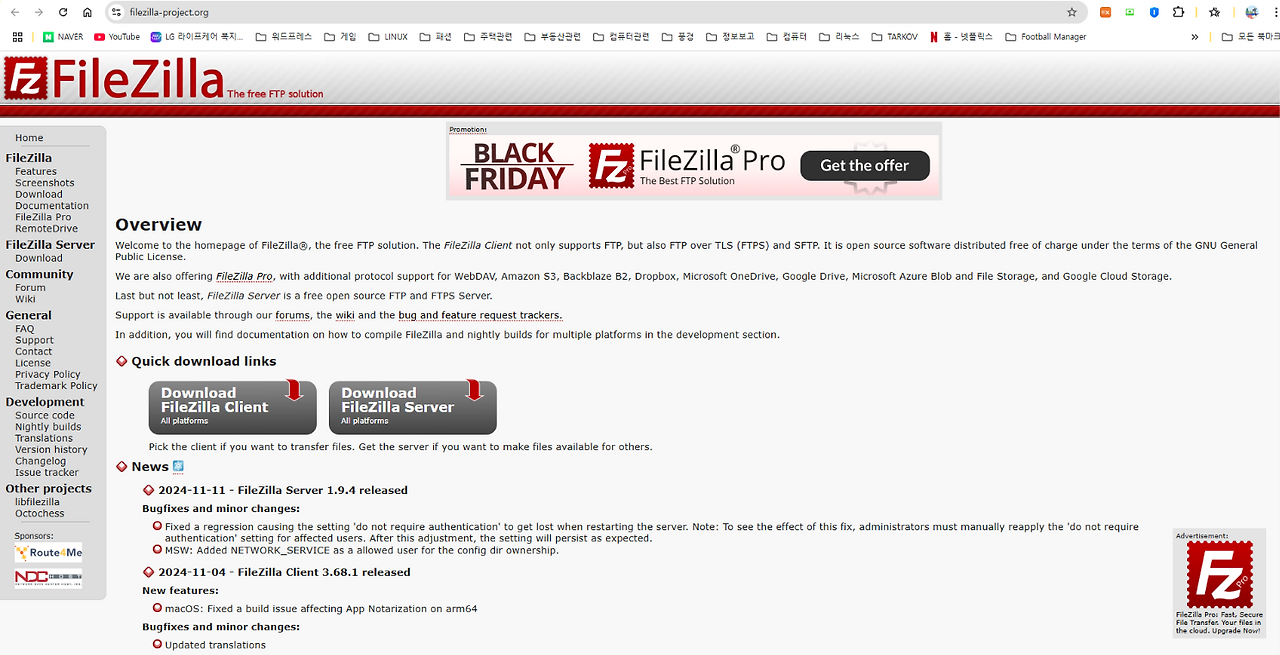
In most cases, you'll be connecting to the server from your local PC, so download the client.
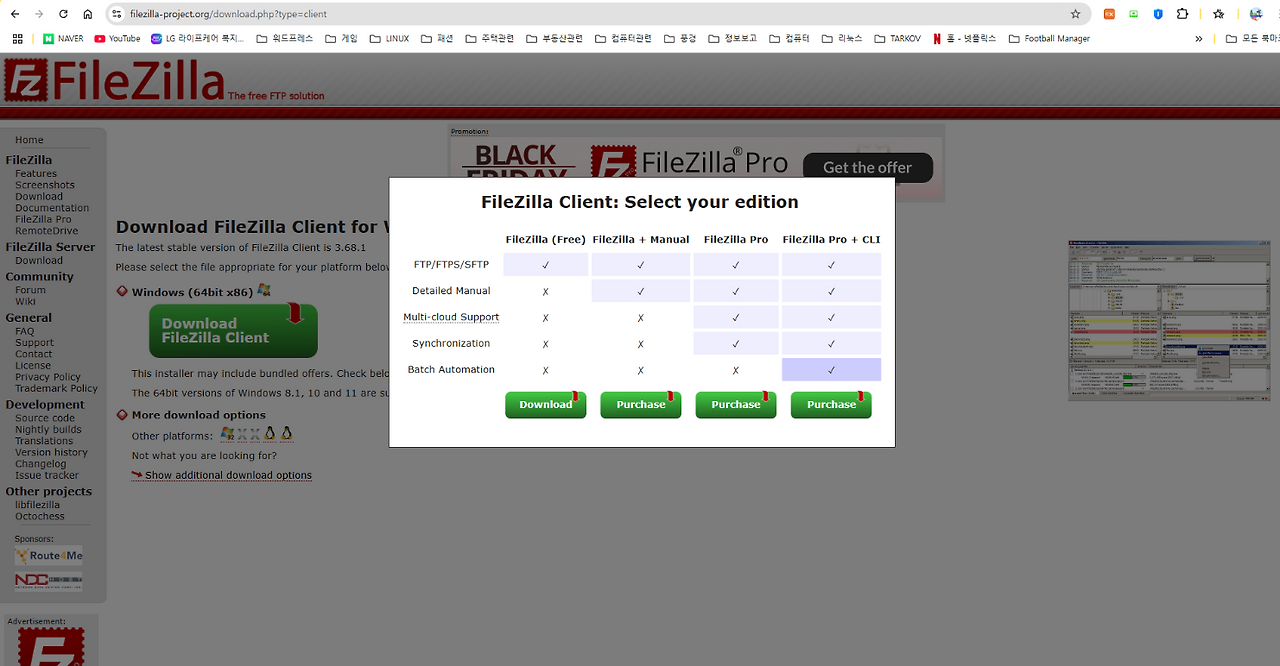
Free features are sufficient, so download and install Filezilla (Free).
● 4. How to Use Filezilla
After installing and running the program, a window will appear at the top asking you to enter the host name, username, password, and port number.

Enter the appropriate information for your environment and click Quick Connect to connect to the server.
1) Host: Enter the IP address or domain address of the server (excluding http:// or https://).
2) Username and Password: Enter the ID and password for the account you entered when applying for hosting.
3) Port: You can leave this blank. For FTP servers, enter Port "21."
For convenient use, click Site Manager as shown in the image above and register an account.
This concludes our post on how to use FileZilla, a popular FTP program.
'IT World' 카테고리의 다른 글
| [Eng][IT World] PuTTY Installation and Usage (0) | 2024.12.07 |
|---|---|
| [IT World] PuTTY 설치 및 사용법 (1) | 2024.12.01 |
| [IT World] MobaXterm의 설치 및 사용법 (2) | 2024.11.30 |
| [IT WORLD] FTP 프로그램 파일질라(Filezilla) 사용하기 (0) | 2024.11.30 |


댓글